
Productivity has become one of the biggest challenges in today’s digital world, a trend widely discussed in modern workplace research by Harvard Business Review. We have more tools, more notifications, and more information than ever before, yet many people still struggle to manage their time effectively. This is where Artificial Intelligence (AI) is making a real difference.
In 2026, AI is no longer just a “nice to have” technology. It has become an essential part of how individuals, freelancers, students, and businesses work every day. Understanding the difference between Generative AI vs Machine Learning helps users choose the right tools for writing, automation, and decision-making. From writing emails faster to automating repetitive tasks, AI tools are helping people save time and focus on what actually matters.
In this article, we’ll explore the best AI tools to boost productivity in 2026, explain what makes an AI tool truly useful, and help you decide which tools fit your needs best.
What Makes an AI Tool Truly Productive in 2026?
Not every AI tool automatically improves productivity. Some tools look impressive but add more complexity instead of saving time. In 2026, a truly productive AI tool usually has a few key qualities.
First, automation is critical. A good AI tool should reduce manual effort, not add more steps. Whether it’s generating content, organizing tasks, or connecting apps, automation is where the biggest time savings come from.
Second, accuracy and reliability matter more than speed. An AI tool that works fast but produces incorrect results can actually slow you down because you’ll spend time fixing mistakes.
Ease of use is another important factor. If a tool has a steep learning curve, most users won’t use it consistently. The best AI tools feel intuitive and fit naturally into existing workflows.
Integration is also essential. AI tools that work well with popular platforms like email, calendars, document editors, and project management tools offer much higher productivity value.
Finally, privacy, security, and cost play a big role. Users are more aware than ever about data protection, and a productive tool must balance value with responsible data usage and fair pricing.
Best AI Tools to Boost Productivity in 2026
Below are some of the most effective AI tools that people are using in 2026 to work smarter, not harder.
ChatGPT – AI Assistant for Writing and Thinking
ChatGPT has become one of the most widely used AI assistants in the world, and for good reason. It helps users think, write, plan, and learn faster.
From drafting emails and reports to brainstorming ideas and summarizing long documents, ChatGPT saves a significant amount of time. Many professionals use it as a thinking partner to structure ideas before starting real work.
It is especially useful for:
- Writing content and emails
- Learning new topics quickly
- Brainstorming ideas and solutions
- Creating outlines and summaries
However, ChatGPT is not perfect. It still requires human judgment, especially for factual accuracy and tone. The paid version offers better performance, but even the free version is useful for everyday productivity.
Notion AI – AI-Powered Workspace
Notion AI combines note-taking, task management, and AI assistance into one workspace. This makes it extremely powerful for individuals and teams who want everything in one place.
Instead of switching between multiple tools, users can write notes, manage projects, and let AI summarize meetings or generate content directly inside Notion. This reduces context switching, which is one of the biggest productivity killers.
Notion AI is particularly useful for:
- Organizing knowledge
- Managing tasks and projects
- Summarizing meeting notes
- Team collaboration
Its main limitation is that new users may need some time to understand how to structure their workspace effectively.
Grammarly AI – Writing and Communication Assistant
Clear communication is a major productivity factor, especially in professional environments. Grammarly AI helps users write faster and with more confidence by improving grammar, clarity, and tone.
Instead of spending time editing messages, users can focus on the actual message they want to convey. Grammarly is commonly used for emails, documents, and professional writing.
Productivity benefits include:
- Faster editing
- Fewer misunderstandings
- More polished communication
While Grammarly does not replace human judgment, it significantly reduces the time spent reviewing and correcting text.
Zapier AI – Automation and Workflow Management
Zapier AI focuses on one thing: automation. It connects different apps and automates repetitive tasks that usually waste time. Many enterprises are now moving toward AI-driven IT automation, where systems can manage operations with minimal human intervention.
For example, you can automatically save email attachments to cloud storage, send notifications when tasks are completed, or update spreadsheets without manual input.
Zapier AI is especially valuable for:
- Freelancers
- Small businesses
- Online workflows
- No-code automation
The biggest advantage is time saved on repetitive tasks. However, users need to plan workflows carefully to avoid over-automation.
Canva AI – Design Productivity Tool
Design used to be a major bottleneck for non-designers. Canva AI has changed that by making design fast, simple, and accessible.
With AI-powered suggestions, text-to-image features, and automatic layouts, users can create professional visuals in minutes instead of hours.
Canva AI is ideal for:
- Social media content
- Presentations
- Marketing visuals
- Simple design tasks
While it may not replace professional designers for complex projects, it dramatically boosts productivity for everyday visual needs.
AI Tools by Productivity Use Case
Different people have different productivity needs. Here’s how AI tools fit into common use cases.
Best AI Tools for Writing and Content Creation
ChatGPT, Grammarly AI, and Notion AI are excellent for writing, editing, and organizing content efficiently.
Best AI Tools for Business and Workflows
Zapier AI and Notion AI help automate tasks, manage projects, and reduce manual work in business environments.
Best AI Tools for Design and Creativity
Canva AI allows users to produce visual content quickly without advanced design skills.
How to Choose the Right AI Tool for Your Needs
Choosing the right AI tool depends on how you work, and beginners can benefit from following practical tech guides . Solo users may benefit more from writing and organization tools, while teams often need collaboration and automation.
Budget is another factor. Some tools offer free versions, while others require subscriptions. It’s better to choose one or two tools that fit your workflow instead of using many tools inefficiently.
Privacy is also important. Always check how tools handle data, especially when working with sensitive information.
Finally, avoid relying too heavily on automation. AI should support your work, not replace critical thinking.
Are AI Productivity Tools Safe to Use?
AI productivity tools are generally safe, but they should be used responsibly. Users should understand what data is being processed and avoid sharing sensitive information unnecessarily.
Human oversight is essential. AI can make mistakes, and blindly trusting automated outputs can cause problems.
Using AI as an assistant rather than a decision-maker is the best approach for long-term productivity and safety.
Future of Productivity with AI in 2026 and Beyond
The future of productivity lies in human and AI collaboration. AI tools will become more personalized, context-aware, and integrated into daily workflows. As AI models grow larger, performance increasingly depends on High Bandwidth Memory for AI, which enables faster data processing and lower latency.
Instead of replacing jobs, AI will continue to augment human abilities, allowing people to focus on creativity, strategy, and problem-solving.
Learning how to work effectively with AI will be a key skill in the coming years.
AI tools are no longer optional for productivity in 2026. When used correctly, they can save time, reduce stress, and improve the quality of work.
The key is not to use every AI tool available, but to choose the ones that genuinely fit your workflow. With the right balance, AI can become a powerful productivity partner rather than a distraction.
Frequently Asked Questions (FAQs)
AI productivity tools save time by automating repetitive tasks like writing emails, organizing information, managing workflows, and handling basic design or communication work.
Yes, AI productivity tools are suitable for individuals, freelancers, students, and small teams because they are easy to use and help manage work more efficiently without technical complexity.
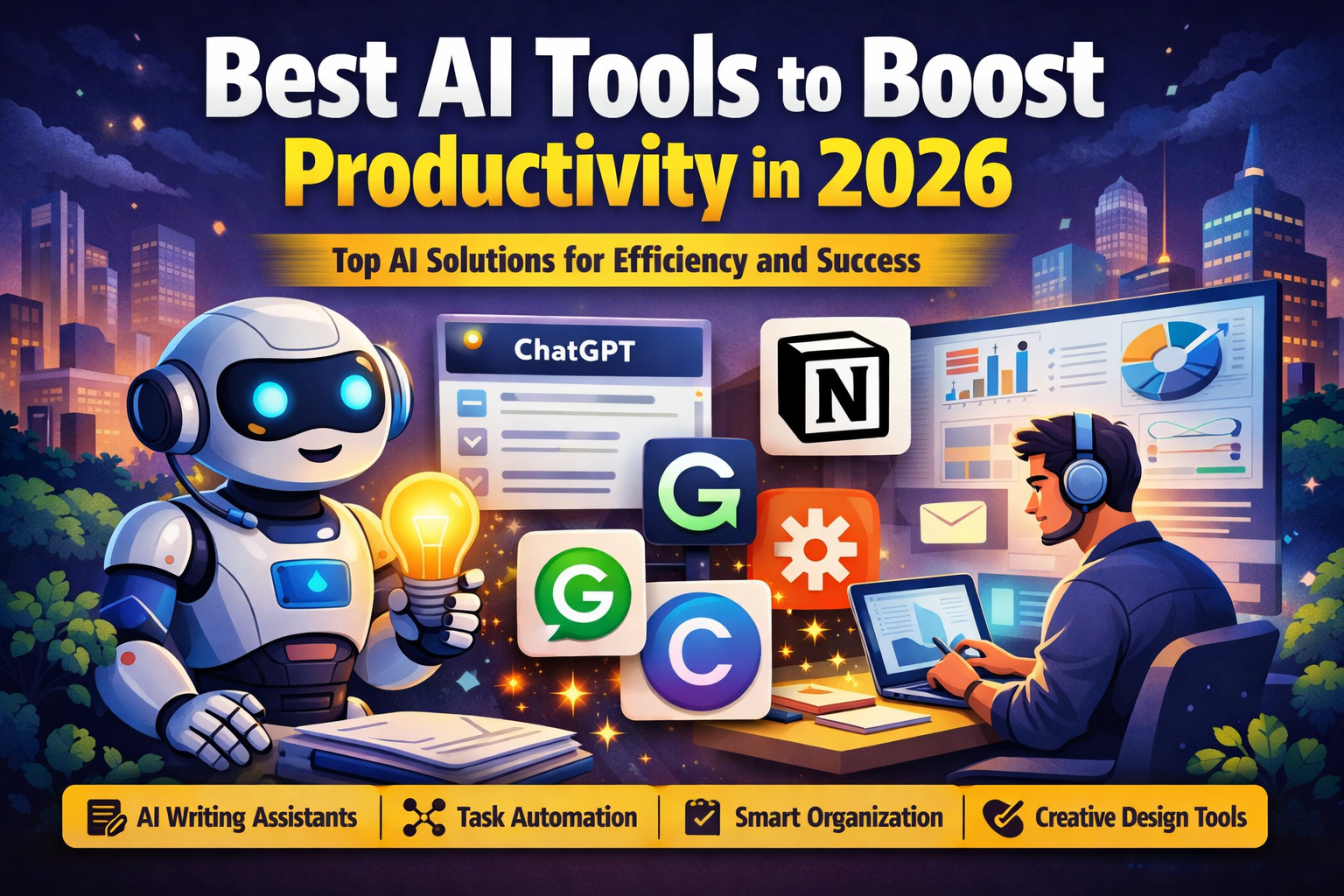
The best AI tools for boosting productivity in 2026 include ChatGPT for writing and planning, Notion AI for organization, Zapier AI for automation, Grammarly AI for communication, and Canva AI for design tasks.